Step 6 - Dataset Upload Status Page
When you start uploading your dataset to Pennsieve, SODA displays the Upload Status page so you can monitor progress and any metadata upload results.
What you’ll see
Pennsieve metadata upload statuses: A table that shows the upload status for dataset-level metadata.
Dataset upload status: A progress area showing a visual progress bar and the current action SODA is performing during the upload.
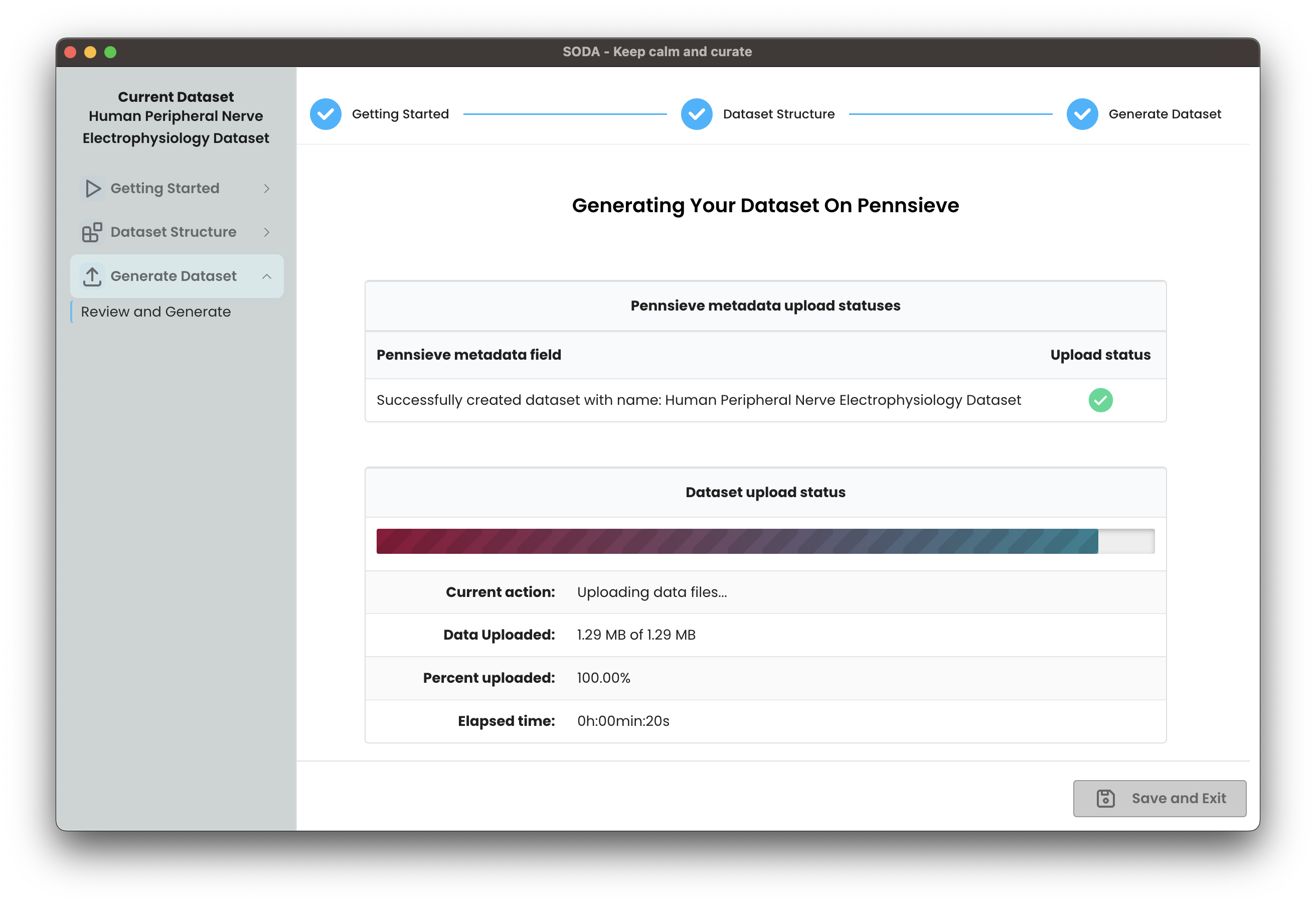
Once your upload is complete, you will be notified that your dataset was successfully uploaded to Pennsieve.
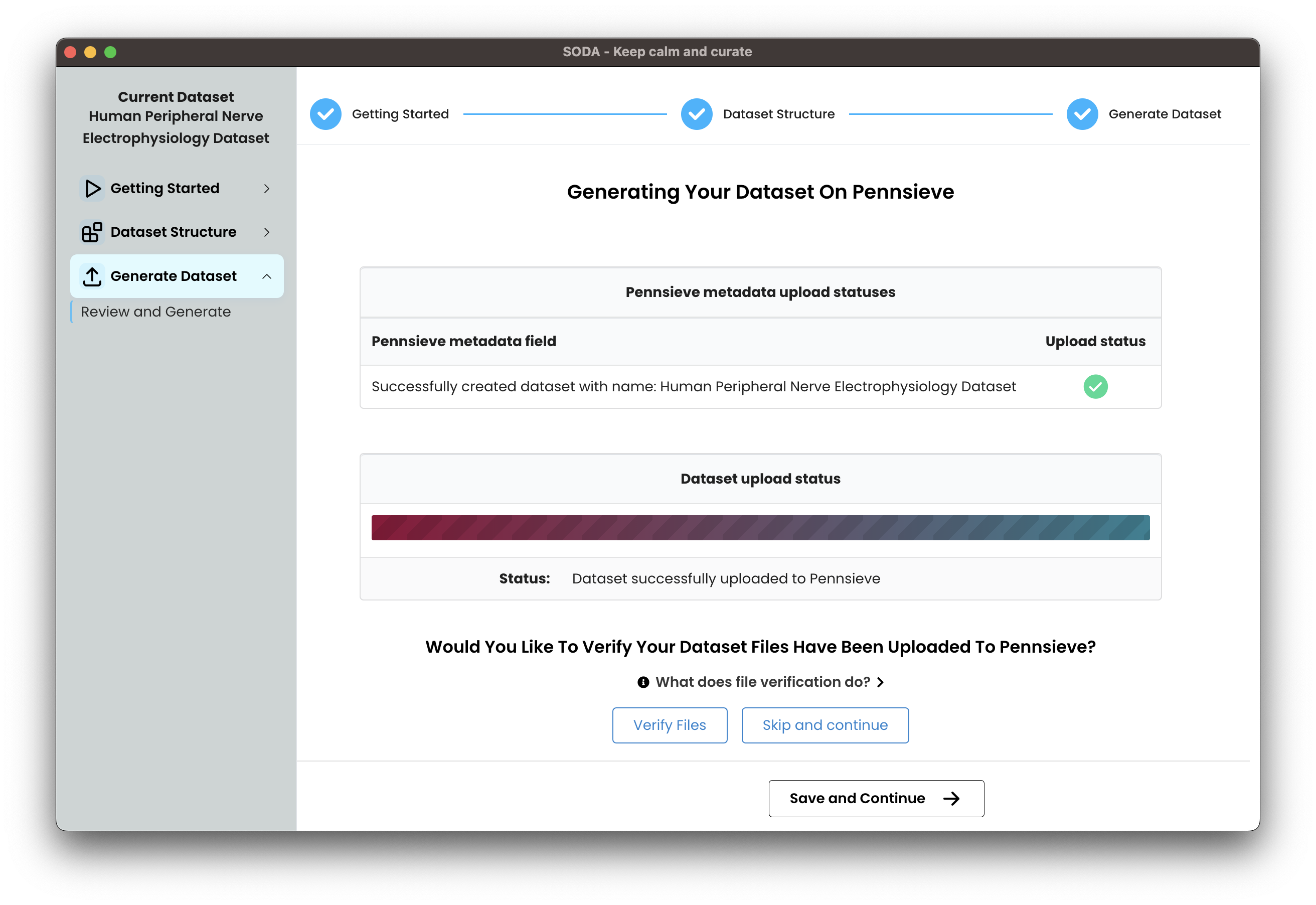
Optionally, click the "Verify Files" button to check that Pennsieve has processed all uploaded files and to surface any issues. For details on verifying uploaded files and next steps, see Step 7 - Verify dataset upload.