Step 1 - Confirm Pennsieve account/workspace
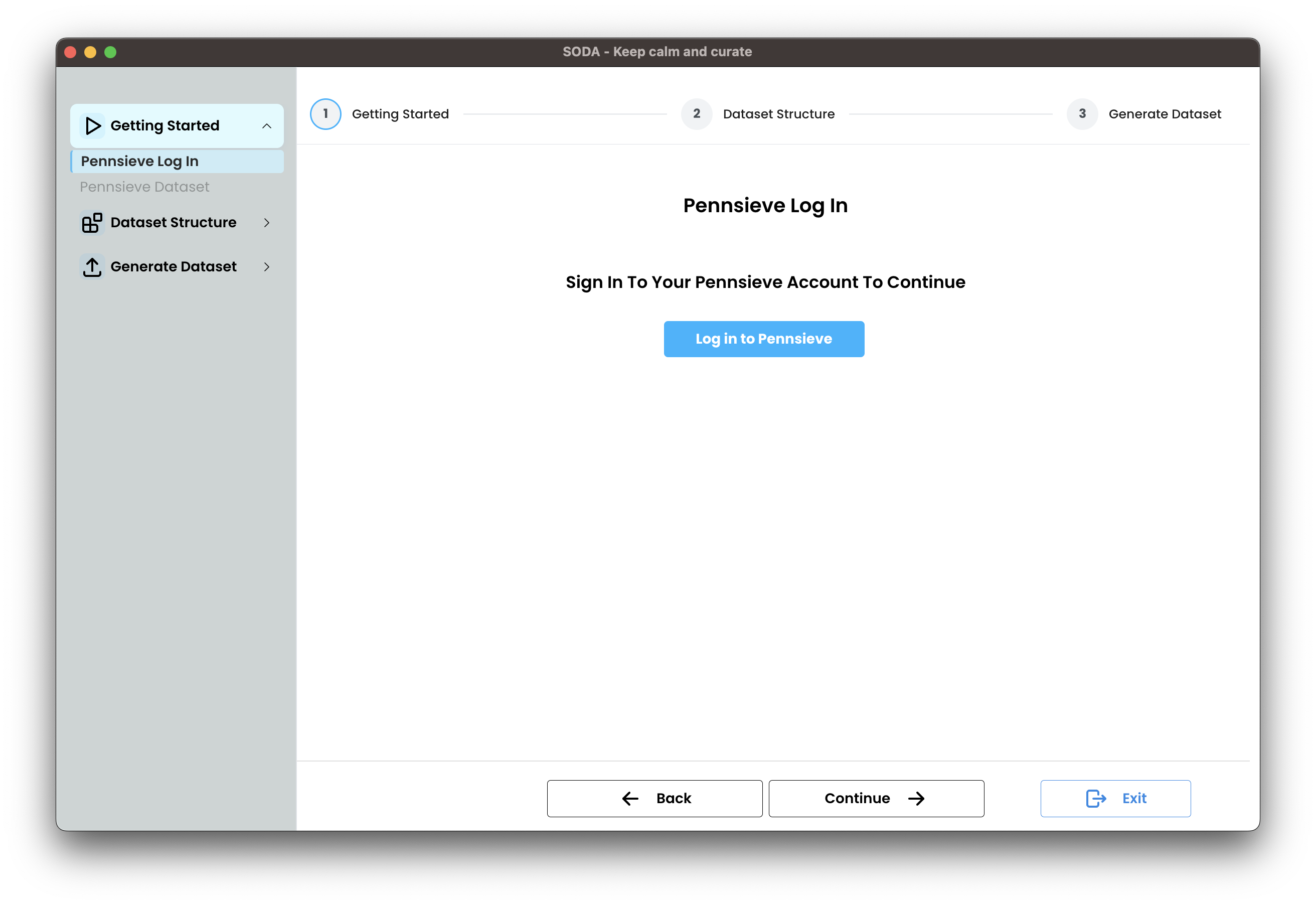
If you haven’t signed in yet, sign in to your Pennsieve account and choose the workspace where you want to upload your dataset.
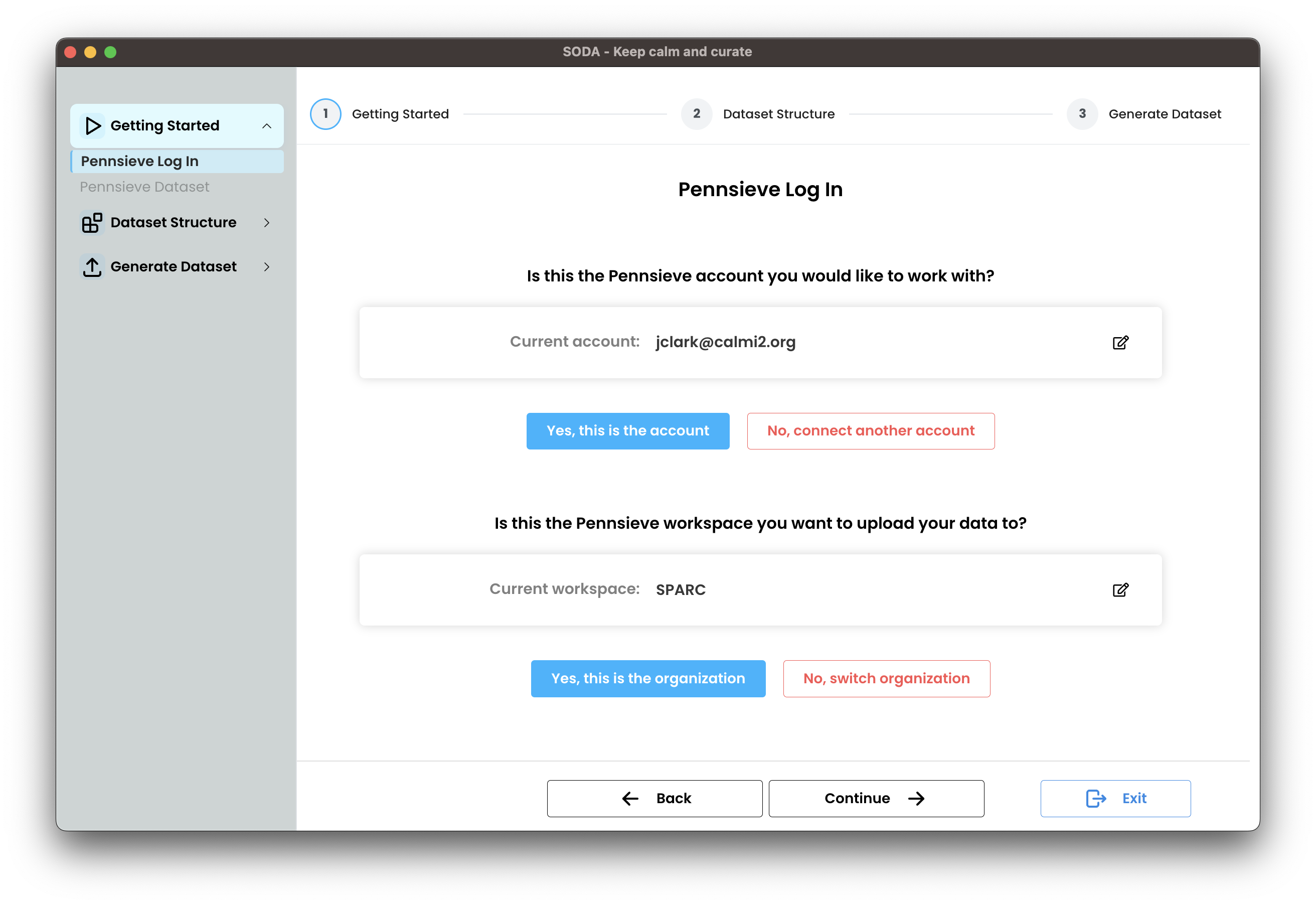
After signing in, confirm the selected account and workspace are correct.
Make sure the Pennsieve Agent is installed before continuing. If it isn't installed, SODA will prompt you to install it. If you encounter any problems, see the Installing the Pennsieve agent guide.