Step 4 - Dataset Structure and Manifest Preview
Below is the folder structure SODA has prepared for your dataset. If the structure does not look right, you can go back and re-import the folder.
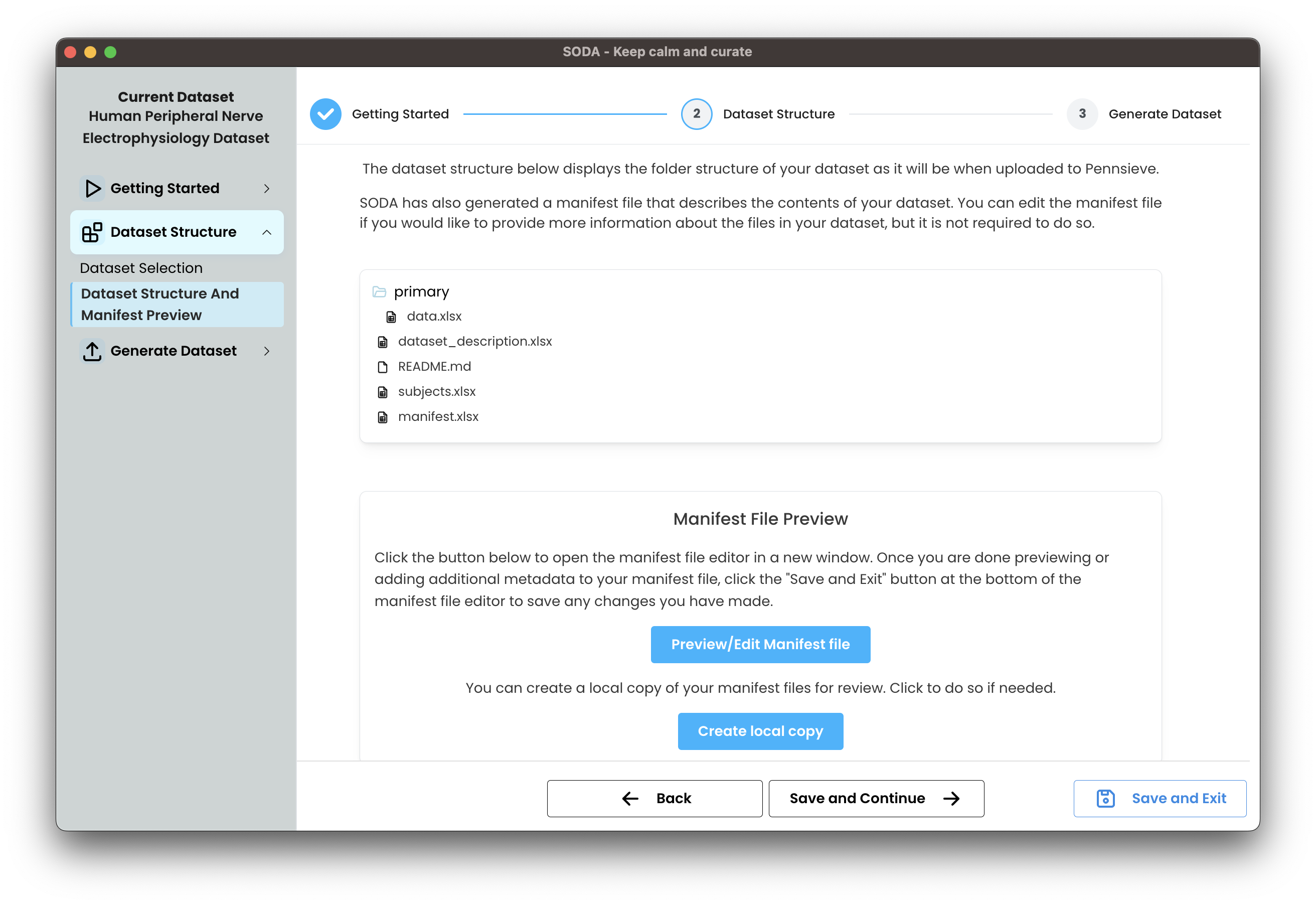
Manifest file preview
SODA also generates a manifest file that describes the files in your dataset. You can open the manifest to add or edit metadata before uploading.
- Click Preview/Edit Manifest file to review and make changes in the manifest editor.
- When you finish editing, use Save and Exit in the editor to keep your changes.
- If you want a copy for review, click Create local copy to download the manifest to your computer.